€19.00
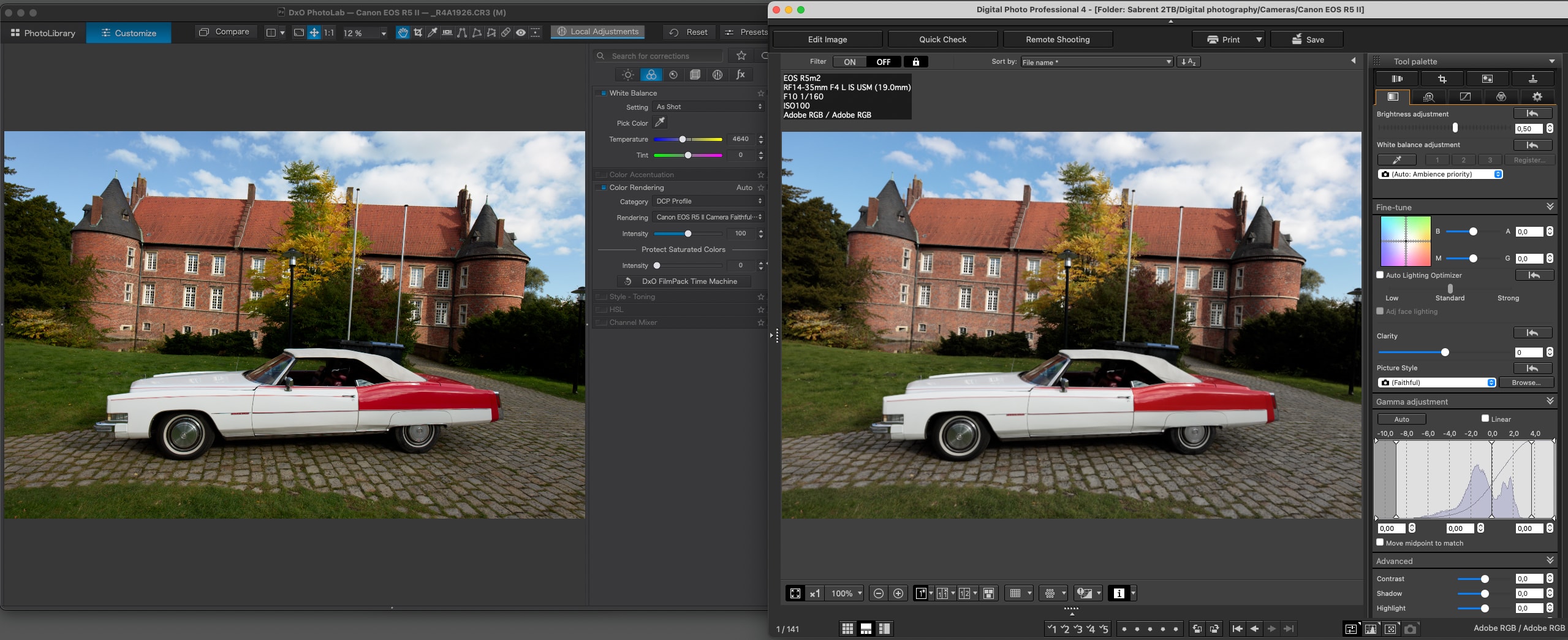
Canon EOS R5 Mark II Camera Faithful profile for DxO Photolab.
Description
How can you get the Canon color science in DxO Photolab? First of all, you need an ICC camera profile which renders the colors and tonality in a way that gives your photos the “Canon look”.
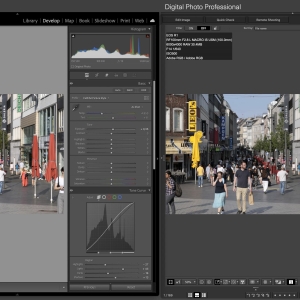
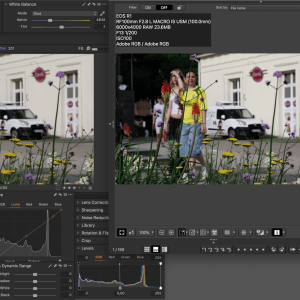
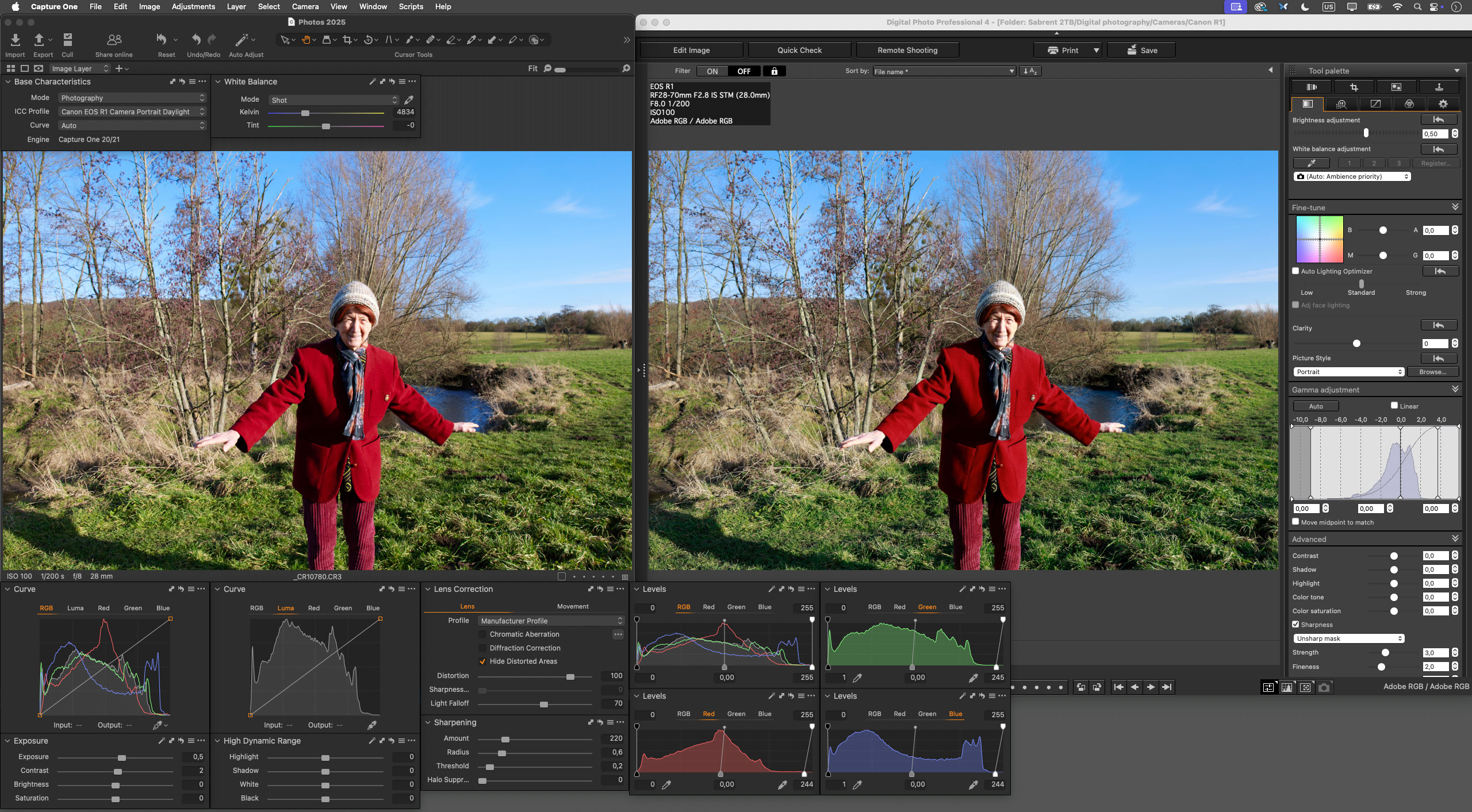
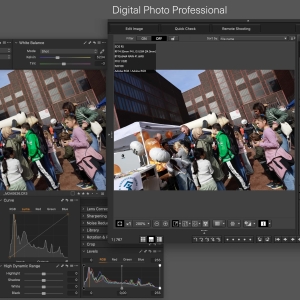
The Canon EOS R5 Mark II Picture Style profiles for DxO Photolab are designed to closely match the much acclaimed Canon Picture Styles provided by Canon’s proprietary Raw developing software Digital Photo Professional (DPP). The Canon Picture Style profiles for DxO Photolab save you a lot of effort and headaches trying to emulate the Canon color science in DxO Photolab. Your RAW images will have Canon’s cherished color science in one click!
The Canon EOS R5 Mark II Picture Style profiles for DxO Photolab will help you to effortlessly develop your Canon RAW images in Capture One to emulate the look in Canon’s proprietary RAW converter Digital Photo Professional (DPP).
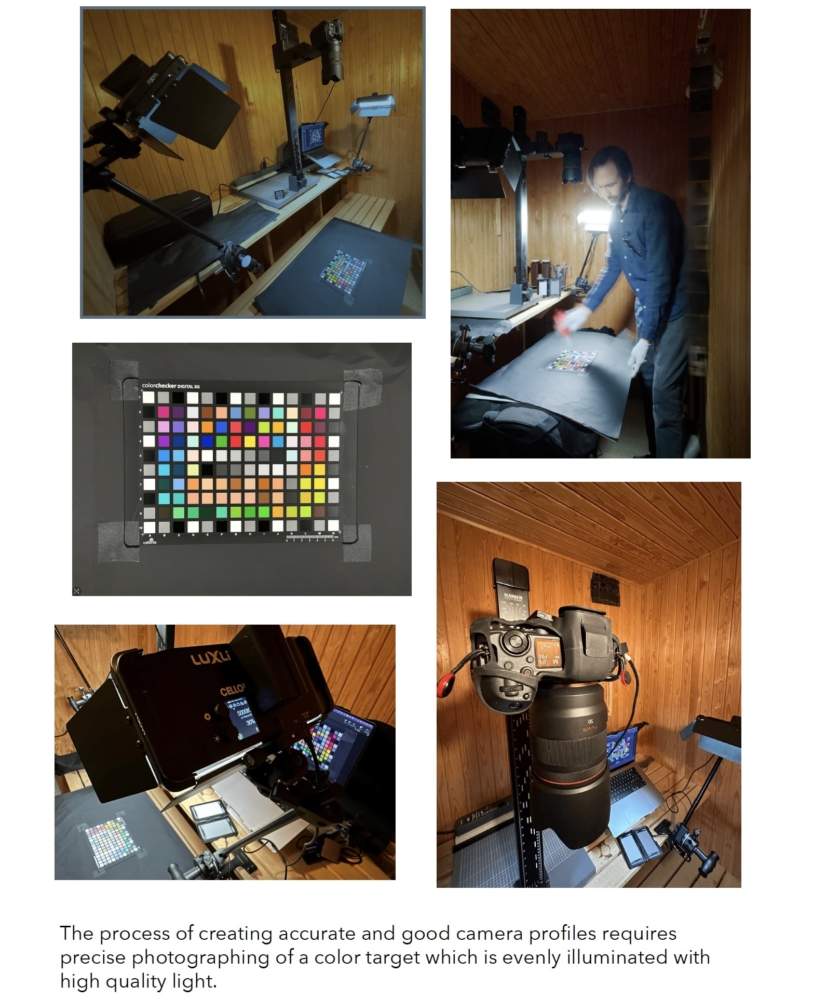
- Industry standard color target Calibrate colorchecker Digital SG used for camera sensor profiling
Color target shot on bright sunny day at high noon. At this time of day, when the sun is at its highest point, the sunlight is evenly balanced across all wavelengths, rendering the purest white light while suppressing scattered light, which ensures the best possible color accuracy and true to life rendering of colors. - A correct target shot at or around high noon will yield a profile covering all lighting conditions with optimal and most accurate profiles, since the spectrum of the sun is greater and more natural than any artificial light source.
Example gallery of Canon EOS R5 Mark II Picture Style profiles for DxO Photolab
A camera profile for general photography in various lighting conditions requires a color target shot photographed at high noon on a sunny, bright and clear non-hazy day. At this time of day, when the sun is at its highest point, the sunlight is evenly balanced across all wavelengths, rendering the purest white light while suppressing scattered light, which would ruin the color accuracy of a camera profile. The color target must also be evenly illuminated and the individual color patches should be correctly exposed and never display glare. The correct way to get even illumination and avoid glare is to direct the color target straight towards the sun and shoot the target at an angle wide enough to prevent glare, typically around 45 degrees. One must make sure that the black patches along the edges of the color target are deeply black and not washed out and that they all display near identical rgb and lightness values. Using a black box around the color target will shield it from reflections and objects such as trees and the ground which otherwise will reflect coloured light back onto patches of the color target it and thereby visibly worsen the accuracy of the profile. Using an industry standard color target such as the Calibrate colorchecker Digital SG will ensure camera profiles with a considerably greater gamut and richer tonal gradation than smaller target with considerably less patches.
Related products
-

Canon EOS R1 Faithful Picture Style Lightroom profile
€25.00 Add to cart -
Canon EOS R1 Portrait Picture Style ICC profile for Capture One
€25.00 Add to cart -

Canon EOS R1 Capture One profiles – Camera Portrait Daylight, Twilight and Tungsten-Indoor
€59.00 Add to cart -
One-click Canon R5 jpeg colors in Capture One: Portrait Picture Style ICC profile
€19.00 Add to cart