€19.00
Canon R5 Neutral Picture Style ICC Profile for Capture One
Description
How can you get the Canon color science in Capture One? First of all, you need an ICC camera profile which renders the colors and tonality in a way that gives your photos the “Canon look”.
The Canon EOS R5 Canon Picture Style ICC profiles for Capture One are designed to closely match the much acclaimed Canon Picture Styles provided by Canon’s proprietary Raw developing software Digital Photo Professional (DPP). The Canon Picture Style ICC profiles for Capture One save you a lot of effort and headaches trying to emulate the Canon color science in Capture One Pro. Your RAW images will have Canon’s cherished color science in one click!
The Canon EOS R5 Canon Picture Style ICC profiles for Capture One will help you to effortlessly develop your Canon RAW images in Capture One to emulate the look in Canon’s proprietary RAW converter Digital Photo Professional (DPP).
- Industry standard color target Calibrate colorchecker Digital SG used for profiling the Canon EOS R5 camera
Color target shot on bright sunny day at high noon. At this time of day, when the sun is at its highest point, the sunlight is evenly balanced across all wavelengths, rendering the purest white light while suppressing scattered light, which ensures the best possible color accuracy and true to life rendering of colors. - A correct target shot at or around high noon will yield a profile covering all lighting conditions with optimal and most accurate profiles, since the spectrum of the sun is greater and more natural than any artificial light source.
- The only adjustments in Capture One I use with the profiles are the Curve, Levels, Exposure and High Dynamic Range adjustment tools.
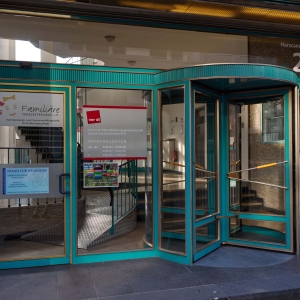
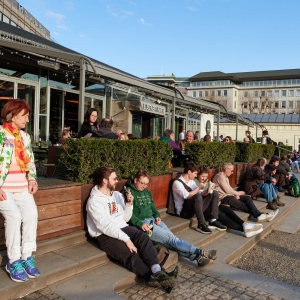
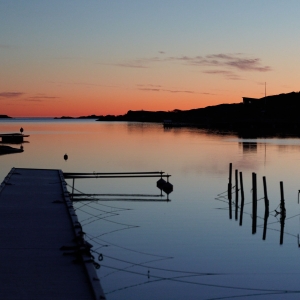
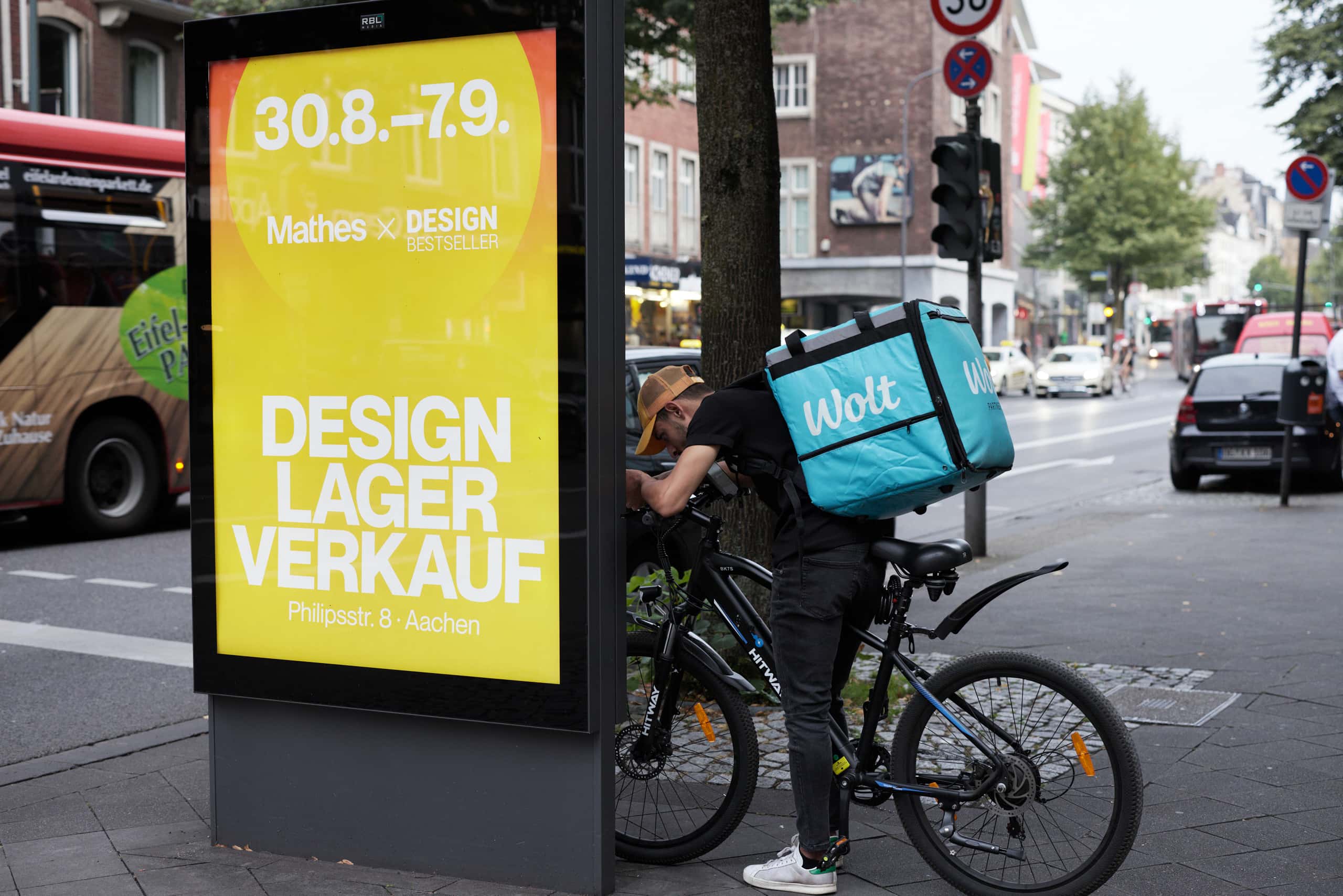
Example gallery of Canon EOS R5 Neutral Picture Style for Capture One
How to purchase?
Choose your payment method and follow the instructions. You will be redirected to Paypal to complete your purchase with your account or by credit card. After payment is complete you will be redirected back to the chrisceder.com store where you will receive your download link. If you encounter any problem, please contact me through my contact form or write me an e-mail at sales @ chrisceder . com
How to use the profiles?
A pdf-file is explaining the installation of the ICC profiles is included in the downloaded zip-file containing the ICC profile.
Changelog
v1.0 Profile launch
v2.0 New target photo of the Calibrite Colorchecker Digital SG under clear blue sky at high noon improves the colors and gradations in various lighting conditions. Remapped the profile rendering of the green, blue and red colorchecker patches. Renamed the profile to Camera Neutral.
v3.0 Improved skin tones and better emulation of colors and saturation.
v4.0 New profile tone curve improves tonal gradation and color rendition.
v4.1 Red and orange shades were too bright and have been darkened a bit. This also
makes skin tones look more natural. Blue shades are now a bit brighter.
Related products
-

One-click Canon R50 jpeg colors in Capture One: Camera Landscape ICC profile
€15.00 Add to cart -
Hasselblad color on Sigma fp L in one click – Capture One profile
€19.00 Add to cart -
One-click Canon R5 Mark II jpeg colors in Capture One: Camera Portrait ICC profile
€25.00 Add to cart -
One-click Canon R3 jpeg colors in Capture One: Camera Neutral ICC profile
€19.00 Add to cart